
Best Player for Trex IPTV in the USA: Top Picks & Features
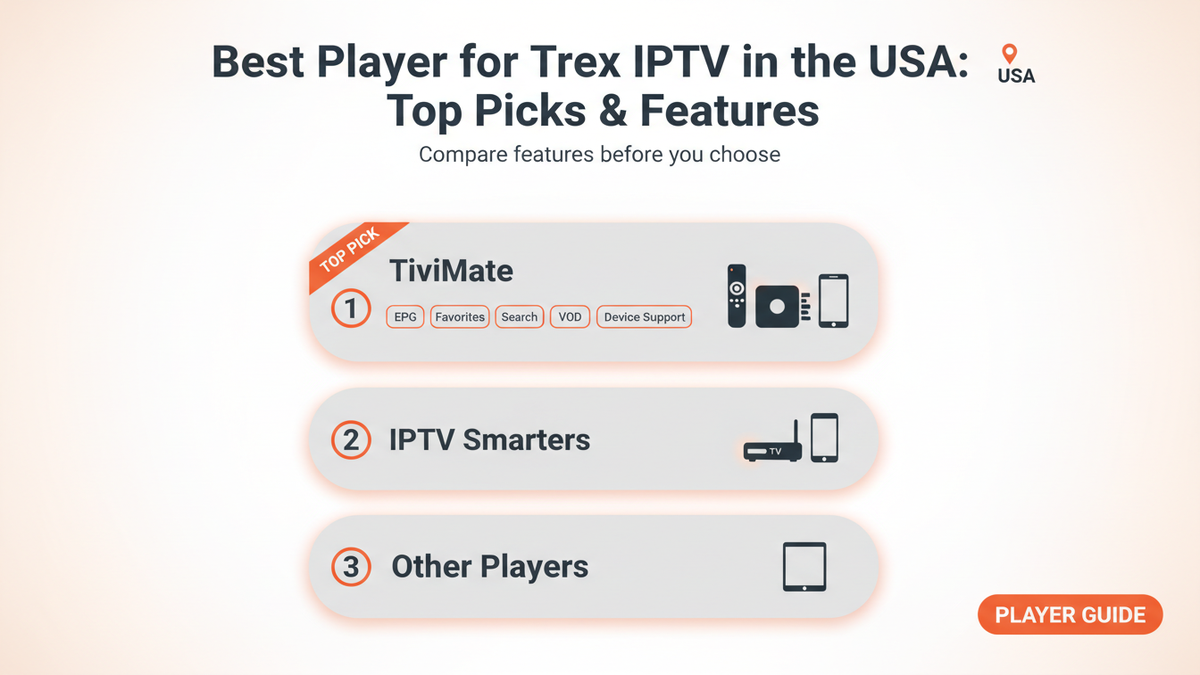
Choosing the best player for Trex IPTV in the USA depends mainly on the device you use and the features you want. The IPTV player is the app that organizes your playlist, live channels, EPG, and VOD. It does not normally provide the channels itself.
For most people watching IPTV on a Firestick, Fire TV, or Android TV device, TiviMate is one of the strongest choices because of its TV-focused interface, playlist management, favorites, search, EPG, and other viewing features. TiviMate itself confirms that it is a media player and requires users to add their own playlists.
However, it is not the best choice for every device. IPTV Smarters and other players can make more sense if you want broader device support or a simpler setup.
What Is the Best Player for Trex IPTV in the USA?
For Firestick, Fire TV, and Android TV, TiviMate is a strong overall choice. For users who need broader compatibility across phones, computers, and different TV platforms, IPTV Smarters can be a practical alternative.
The important point is that a player and IPTV service perform different jobs. Your IPTV provider supplies the playlist or login information, while the player displays and organizes that content.
Current IPTV player comparisons and recent user discussions consistently put TiviMate near the top for Android TV and Fire TV, while Smarters is frequently recommended when wider device compatibility matters.
Best IPTV Players for Trex IPTV
| Player | Best For | Main Strength |
|---|---|---|
| TiviMate | Firestick, Fire TV, Android TV | Excellent TV interface and EPG |
| IPTV Smarters | Multiple device types | Simple, beginner-friendly experience |
| Sparkle TV | Android TV and Fire TV | Alternative to TiviMate with strong TV features |
| OTT Navigator | Advanced users | Customization and detailed controls |
| XCIPTV | Android devices | Straightforward IPTV experience |
The right option depends on your hardware rather than simply choosing the most popular app.
1. TiviMate
TiviMate is our top choice for Trex IPTV users on Android-based TV devices.
It is designed specifically around the TV viewing experience. Its official website lists features including multiple playlists, favorites, search, multiview, catch-up, recording, parental controls, and interface personalization.
This makes it particularly useful if you watch a lot of live television and want your IPTV subscription to feel more like a traditional TV guide.
TiviMate is especially worth considering if you use:
- Amazon Fire TV or Firestick
- Android TV
- Google TV
- Android TV boxes
One limitation is important: TiviMate is intended for Android TV devices and is not optimized for phones and tablets.
2. IPTV Smarters
IPTV Smarters is another popular option for people who want a simpler interface and broader device coverage.
It can be useful when you watch IPTV on several types of devices instead of only a TV. Current comparisons commonly position Smarters as a more beginner-friendly alternative to TiviMate.
Choose it if:
- You want a straightforward interface
- You use several different device types
- You prefer an easier starting point
- Your device does not support TiviMate
The exact features and availability can vary by platform and app version, so check the version available for your specific device before installation.
3. Sparkle TV
Sparkle TV is another option for Android TV and Fire TV users.
Recent Reddit discussions show that some IPTV users consider Sparkle TV a serious alternative to TiviMate, particularly when recording or other TV-focused features are important. At the same time, users have different opinions about its interface and navigation.
That makes Sparkle TV worth testing if TiviMate does not suit your preferences.
4. OTT Navigator
OTT Navigator is aimed more toward users who want extensive customization.
It can be attractive if you manage multiple playlists or want greater control over how your channels and groups are displayed. Recent IPTV discussions continue to mention it as an option for more advanced users.
For someone completely new to IPTV, however, a simpler player may be easier to learn.
5. XCIPTV
XCIPTV is another player commonly considered by Android and Fire TV users.
Its main appeal is simplicity. It can be worth trying if you want an alternative player without needing an especially complicated interface.
The best way to choose between these options is to start with your device and then consider the features you actually use.
Which Player Is Best for Firestick?
TiviMate is a strong choice for Trex IPTV on Firestick.
Firestick users generally benefit from a player with a remote-friendly interface, fast navigation, useful EPG support, favorites, and good playlist organization.
Recent 2026 comparisons continue to rank TiviMate highly for Firestick and Android TV, while Reddit users frequently recommend it when asked about IPTV players for Firestick.
If you prefer a simpler interface or need to use the same player on different platforms, IPTV Smarters may be the better alternative.
How to Choose the Right IPTV Player
Before installing an IPTV player for Trex IPTV, check these five things.
1. Device compatibility
First identify your device. For example:
- Firestick: consider TiviMate or another Fire TV-compatible player
- Android TV: TiviMate is a strong option
- Smartphone: choose a player designed for mobile use
- Smart TV: check the TV's own app store
- Computer: look for a suitable desktop or web-based option
A player that works well on one platform may not be available or optimized on another.
2. Login or playlist support
- Your IPTV service may provide an M3U playlist, Xtream Codes credentials, or another supported connection method.
- Make sure your chosen player supports the format you have been given.
- Do not assume every player uses the same setup process.
3. EPG support
- EPG means Electronic Program Guide. It shows program information alongside your channels.
- If you mainly watch live TV, good EPG support can make a significant difference because you can see what is currently playing and what comes next.
4. Channel organization
Large IPTV playlists can contain many channels. Look for features such as:
- Favorites
- Channel groups
- Search
- Multiple playlists
- Custom organization
These features can save time when you have a large channel list.
5. Stability on your device
- If a player constantly freezes or crashes, changing apps may help. However, remember that not every buffering problem is caused by the player.
- Your internet connection, Wi-Fi signal, device performance, IPTV source, and network congestion can all affect playback.
How to Set Up Trex IPTV in an IPTV Player
The exact menus vary between apps, but the general process is straightforward.
Step 1: Install a compatible IPTV player
Choose a player that is supported by your device.
Step 2: Open the login or playlist section
Look for an option such as adding a playlist, M3U, or Xtream Codes account.
Step 3: Enter your Trex IPTV credentials
Use the information supplied with your IPTV subscription. Enter usernames, passwords, URLs, or playlist information carefully.
Step 4: Allow the playlist to load
Depending on the size of the playlist and your connection, loading may take some time.
Step 5: Check Live TV and EPG
Once the playlist loads, test several channels and check whether the program guide appears correctly.
Use only IPTV services and content that you are legally entitled to access. A player such as TiviMate does not provide channels or authorize third-party content.
What If Trex IPTV Buffers or Freezes?
Changing players can sometimes help, but start with the basics.
- Restart the IPTV app.
- Restart your streaming device.
- Test another channel.
- Restart your router.
- Move from weak Wi-Fi to a stronger connection.
- Try Ethernet if your device supports it.
- Check whether the problem occurs across multiple channels.
- Test the same account on another compatible player.
If only one channel has problems while others play normally, the issue may not be your player or internet connection.
Reddit discussions about IPTV players repeatedly mention buffering, recording, navigation, and device-specific behavior as reasons users experiment with different players.
TiviMate vs IPTV Smarters: Which Should You Pick?
If you are using a Firestick or Android TV, start with TiviMate.
If you need a player that works across a wider range of devices, IPTV Smarters may be more convenient.
The simplest decision is:
- Best for Firestick and Android TV: TiviMate
- Best for broader device use: IPTV Smarters
- Best alternative for TV-focused users: Sparkle TV
- Best for advanced customization: OTT Navigator
- Simple Android alternative: XCIPTV
There is no universal winner. The best player is the one that supports your device, accepts your IPTV login format, and gives you the controls you actually need.