
How to Become a Trex IPTV Reseller and Get a Trex IPTV Reseller Panel
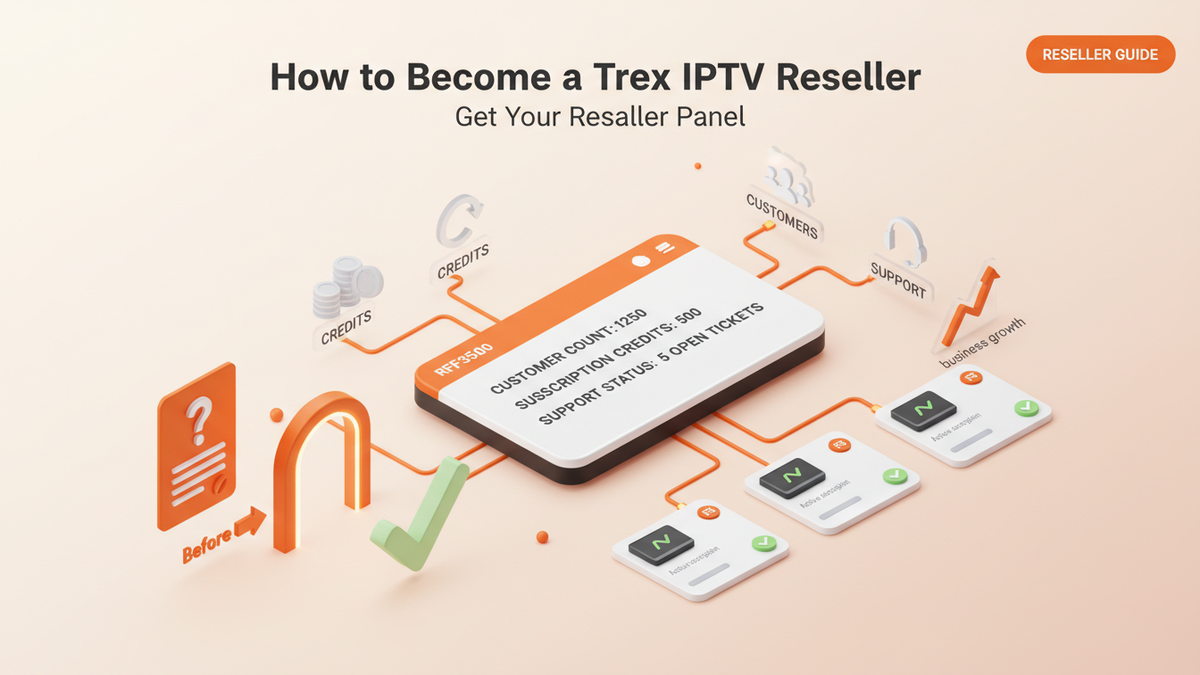
Are you interested in becoming a Trex IPTV reseller and managing customer subscriptions through a dedicated reseller panel? A reseller program can provide a way to build a customer base, manage account renewals, and offer subscription support without developing your own streaming platform from scratch.
Before getting started, you need to understand how the Trex IPTV reseller program works, how to apply for a Trex IPTV reseller panel, what information you may need to provide, and which costs you should confirm before making an investment.
This guide explains the application process, reseller panel features, credit management, customer service responsibilities, and important questions to ask before joining.
What Is a Trex IPTV Reseller Panel?
A Trex IPTV reseller panel is a management dashboard intended for approved resellers who need to create and manage customer accounts.
Instead of handling every account manually, an authorized reseller may use the panel to manage subscriptions and keep track of important account information.
Depending on the tools available to an approved reseller, the panel may support:
- Creating customer accounts
- Selecting available subscription periods
- Renewing eligible accounts
- Checking subscription status and expiry dates
- Managing account credits
- Organizing customer login information
These features can help resellers keep customer records organized and reduce the time spent managing renewals manually. The exact tools and limits depend on the access provided under the reseller agreement.
Important: A reseller panel is not the same as an IPTV player. The panel manages reseller accounts, while an IPTV player is an application customers use to access a compatible streaming service.
How to Become a Trex IPTV Reseller
If you want to become a Trex IPTV reseller, the first step is to apply through the official reseller page on your website. Applications are reviewed, and approval is not automatic. Follow these steps to understand the process.
Step 1: Visit the Trex IPTV Reseller Page
Start by visiting the official Trex IPTV reseller page:
https://iptv-trex.us/reseller-panel/
Read the available program information before submitting your application. Check the reseller requirements, available account-management features, pricing process, and responsibilities.
If you have questions about eligibility or the onboarding process, contact the support team before making a payment.
Step 2: Submit Your Reseller Application
Prepare the information requested in the application. This may include your name, business details, country, preferred contact method, previous reseller experience, and estimated customer volume.
You should also explain how you intend to market and support the service.
For example, you might operate a technology business, manage a digital services company, sell compatible streaming devices, or already have customers interested in a legally authorized streaming service.
Provide accurate information about your business and expected sales. Do not claim to have an established customer base if you are only starting.
Step 3: Wait for Application Review
After submitting your application, wait for the team to review it.
The review process helps establish whether your business plans and expected account volume fit the available reseller arrangements. Approval is not guaranteed, and you should not advertise yourself as an authorized Trex IPTV reseller before receiving the necessary approval.
If your application is accepted, ask for written confirmation of your reseller status and the terms under which you can market the service.
Step 4: Request Trex IPTV Reseller Pricing
Reseller pricing is provided by quotation rather than through a publicly listed reseller package.
Before accepting a quote, ask for a clear breakdown of the costs. Important details include:
- Initial reseller balance or minimum purchase
- Cost per account or credit
- How credits are deducted
- Available subscription periods
- Account and connection limits
- Credit expiry and refund conditions
- Renewal costs
- Panel access and support arrangements
Do not assume that every reseller pays the same price or receives identical terms. Confirm your own package in writing.
Step 5: Complete Onboarding and Receive Panel Access
Once your application is approved and you accept the terms, follow the onboarding instructions provided by the reseller team.
Confirm how you will receive your panel credentials, how to sign in securely, and where to find the available account-management tools.
Before selling subscriptions, learn how to create accounts, check expiry dates, manage renewals, and contact support when an issue cannot be resolved from the dashboard.
Step 6: Fund Your Reseller Balance
Some reseller arrangements use credits or a prepaid balance to create or renew customer accounts. The exact credit system and deduction rules must be confirmed with the provider.
Ask how many credits are required for each subscription period and whether different connection options change the cost.
Do not purchase a large balance until you understand the terms, have tested the relevant service where permitted, and are confident that the provider can explain how your credits and accounts are managed.
How Does the Trex IPTV Reseller Credit System Work?
A credit system allows resellers to manage the account capacity they have purchased. However, there is no universal credit rule that applies to every IPTV reseller program.
For example, one provider might deduct credits based on subscription duration, while another may use different rules for account types or connection limits.
Before funding your Trex IPTV reseller panel, ask the provider:
- How many credits does each subscription require?
- Are credits refundable or transferable?
- Do unused credits expire?
- Are renewal credits charged at the same rate?
- Can you view your credit balance and transaction history?
- What happens to remaining credits if panel access is suspended or the service is discontinued?
Get the answers in writing. These details matter because your operating costs depend on the actual terms of your reseller account.
How Much Does a Trex IPTV Reseller Panel Cost?
The cost depends on the reseller quotation and the package offered to you. Your website does not publish a fixed reseller price, so avoid relying on third-party prices as though they were official Trex IPTV rates.
When requesting a quote, calculate your potential expenses before deciding how many accounts to purchase.
Your total costs may include:
- Initial reseller balance
- Account creation and renewal costs
- Payment processing fees
- Marketing and advertising
- Customer support
- Refunds or other permitted service
Can You Make Money as a Trex IPTV Reseller?
A reseller business may generate revenue when customers purchase or renew subscriptions. However, income is not guaranteed, and results depend on customer demand, operating costs, service reliability, and your ability to retain customers.
To estimate your potential margin, use this basic calculation:
Gross margin per sale = Selling price − Direct cost per subscription
For example, if your authorized selling price is $20 and your direct subscription cost is $12, your gross margin is $8 before payment fees, marketing, customer support, refunds, taxes, and other expenses.
These figures are only an example, not Trex IPTV reseller pricing or a promise of earnings.
Before setting your prices, confirm which prices and marketing claims your reseller agreement permits. Avoid promising guaranteed income, uninterrupted service, or permanently available channels.
What Should You Check Before Buying a Reseller Panel?
Choosing a reseller arrangement requires more than comparing the advertised price. You need to understand who controls the panel, how your accounts are managed, and what happens if the provider stops offering the service.
Check Panel Access and Account Security
Ask whether your access is independent or connected to a higher-level supplier account. Confirm who can manage your panel, view account records, change your permissions, or suspend your access.
Use a strong password, restrict access to authorized staff, and never share customer credentials publicly.
Understand Credit and Refund Policies
Confirm the expiry, transfer, refund, and replacement conditions for your balance. Ask what happens to unused credits if your panel is suspended or your reseller relationship ends.
Do not rely on verbal assurances alone.
Confirm Support Availability
Find out how to report account errors, failed renewals, login problems, and service interruptions. Ask about the expected support process and which issues you must handle yourself.
Verify Content Rights and Reseller Authorization
Before selling any streaming service, verify that the provider has the necessary rights to distribute the content in the territories you plan to serve and that your reseller agreement permits your intended activities.
Do not assume that access to a panel automatically proves that every channel, film, or programme is licensed for resale.
How to Manage Customers After Getting Your Reseller Panel
Getting access to the dashboard is only the beginning. Good customer management helps you handle routine requests and keep accurate records.
Keep Subscription Records Updated
Record each customer's account status, purchase date, renewal date, and support history. Use appropriate security measures and collect only the personal information you need.
Explain the Service Clearly
Tell customers which devices and connection options are supported, what their subscription includes, and which limitations apply. Avoid guaranteeing that every channel or programme will always remain available.
Send Renewal Reminders
Where permitted, notify customers before their subscriptions expire. Make the renewal cost, duration, and payment terms clear before processing an order.
Handle Technical Questions Responsibly
When a customer reports a problem, collect the device model, player name, error message, and the steps already attempted. Escalate confirmed service-side problems through the support route supplied to authorized resellers.
Frequently Asked Questions
Apply for Trex IPTV Reseller Access
Becoming a reseller starts with understanding the program, confirming the costs, and deciding whether the available terms suit your business.
If you are ready to explore the opportunity, visit the official Trex IPTV Reseller Panel page and submit an application. Ask for the current reseller quotation, credit conditions, panel permissions, support arrangements, and written authorization before investing.
A well-informed decision can help you avoid unexpected costs and establish a more responsible approach to managing customer accounts.